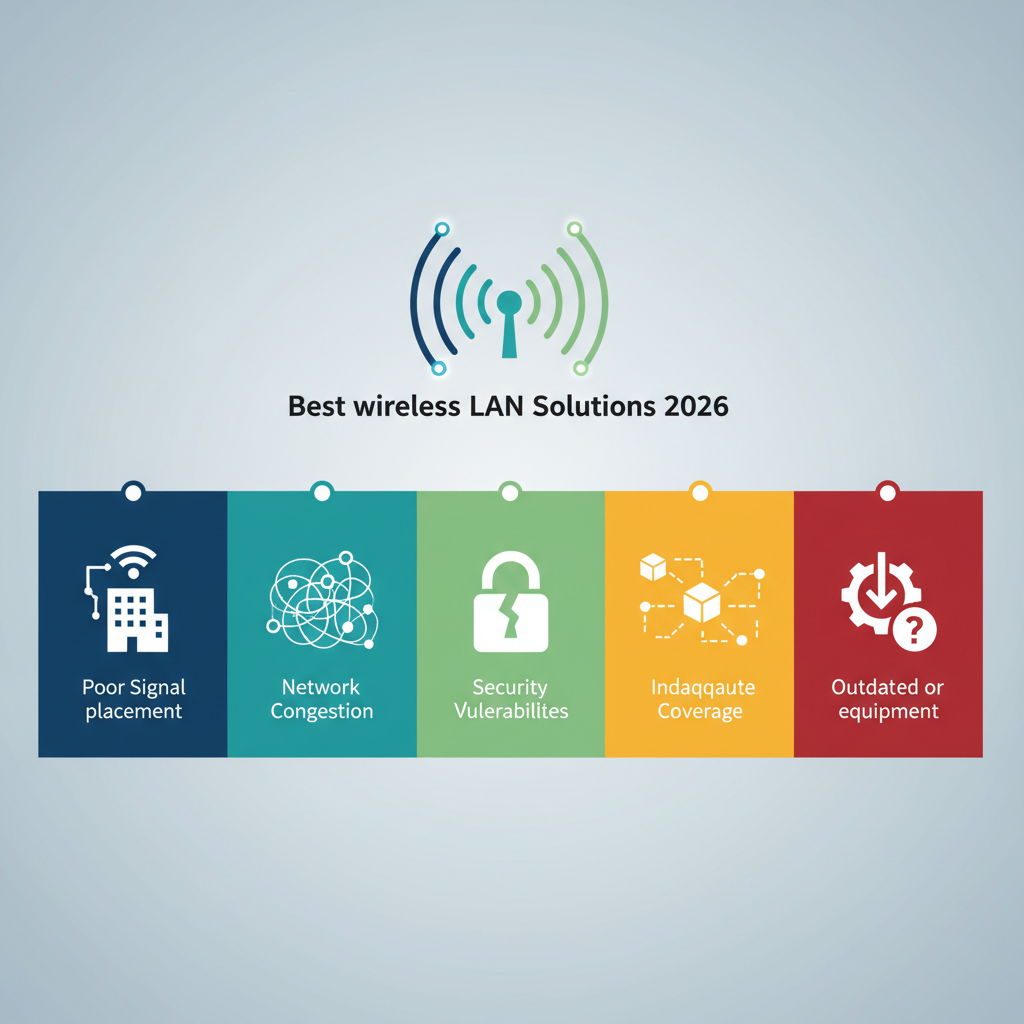
Discover the top 5 wireless network design mistakes IT managers make in 2026, from capacity planning to hardware choices, and learn how to avoid them for a smoother, faster network.
Let's be honest: wireless network design can feel like trying to herd cats while juggling flaming torches. You think you've got it all figured out, and then your CEO complains that Zoom keeps dropping in the corner office. Sound familiar? You're not alone. Many IT managers fall into the same traps when planning their wireless infrastructure. Let's break down the biggest mistakes and how to avoid them in 2026.
### The Coverage vs. Capacity Trap
Most IT managers obsess over coverage. They want every square foot of the office to have a signal. That's great, but it misses the real point. A single access point can cover 3,000 square feet, but if you stuff 50 people in that space, they'll all be fighting for bandwidth. Think of it like a highway: a six-lane road might cover a lot of ground, but if you put 10,000 cars on it during rush hour, everyone crawls. The same logic applies to your wireless network. You need to design for capacity, not just coverage. In a conference room with 20 people, you might need two or three access points just to handle the load. Don't assume one AP per room is enough.
### Ignoring the Physical Environment
Wireless signals are picky. They hate walls, especially concrete and metal. They despise elevators and mechanical rooms. Yet, I've seen IT managers place access points in hallways right next to a giant metal filing cabinet. It's like putting a radio station inside a lead box. Before you mount anything, walk the space. Use a site survey tool. Measure distances in feet, not meters. And remember: that new open-plan office with glass walls? Glass can reflect signals in weird ways. You might get a strong signal in one spot and dead zone just five feet away. Plan for it.
### Forgetting About Interference
Your office is a noisy place, and I'm not talking about chatty coworkers. Microwaves, Bluetooth devices, cordless phones, and even your neighbor's Wi-Fi can mess with your signal. The 2.4 GHz band is especially crowded. It's like trying to have a conversation in a packed sports bar. The 5 GHz and 6 GHz bands are less congested, but they have shorter range. A good rule of thumb: use 5 GHz for high-density areas and 2.4 GHz for longer-range, low-bandwidth devices like printers or IoT sensors. And always enable DFS channels if your hardware supports it. They open up more spectrum and can reduce interference significantly.
### The Budget Trap: Going Cheap on Hardware
I get it. Budgets are tight. But skimping on access points or switches is a false economy. A $50 consumer-grade router might work in a home, but in an office with 200 people, it's a recipe for disaster. Enterprise-grade gear costs more upfront but saves you in downtime and support calls. For example, a solid business access point from a reputable brand costs around $300 to $600 each. That might seem steep, but compare it to the cost of lost productivity when the network crashes during a big presentation. You do the math.
### Not Planning for the Future
Wi-Fi 7 is here, and it's fast. Really fast. But you don't need to rip out everything you have. The smart move is to plan for a phased upgrade. Start with your most congested areas, like the conference rooms and the open-plan workspace. Then roll out to the rest of the office over the next year. And make sure your cabling is up to snuff. Cat6a or better is a must for speeds over 1 Gbps. If you're still running Cat5e, you're bottlenecking your network before you even start.
- **Key takeaway**: Design for capacity, not just coverage.
- **Key takeaway**: Survey your space physically.
- **Key takeaway**: Manage interference proactively.
- **Key takeaway**: Invest in quality hardware.
- **Key takeaway**: Plan for future upgrades.
> "The best wireless network is the one users don't notice. If they're complaining, you've already lost."
So, what's the bottom line? Wireless network design isn't rocket science, but it does require thinking beyond the spec sheet. Stop treating it like a checkbox and start treating it like a critical business asset. Your users will thank you, and your CEO might even stop calling you at 2 AM.