7 Home Devices That Should Ditch Wi-Fi
Sarah Mitchell ·
Listen to this article~4 min
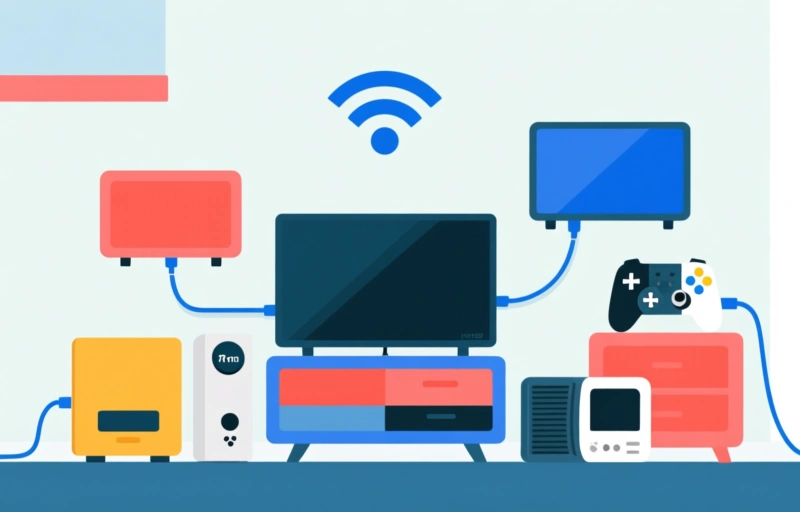
Seven home devices that perform better with wired connections than Wi-Fi. From smart TVs to gaming consoles, learn why Ethernet beats wireless for speed and reliability.
You might think everything in your home belongs on Wi-Fi. But some devices are better off with a wired connection for reliability, speed, or security. Let's walk through seven gadgets that really shouldn't be on your wireless network.
### Smart TVs and Streaming Boxes
Your smart TV is probably the biggest bandwidth hog in your house. Streaming 4K video can chew up to 25 Mbps per stream, and if you've got multiple devices competing for Wi-Fi, you'll see buffering and lag. A wired Ethernet connection gives you consistent speeds without interference from neighbors or microwaves. Plus, it frees up wireless bandwidth for devices that actually need it, like phones and tablets.
### Desktop Computers
For serious work or gaming, Wi-Fi just doesn't cut it. Latency spikes and packet loss can ruin an online game or video call. A wired connection offers lower latency and faster speeds, often up to 1 Gbps or more. If you're working from home, you'll thank yourself for plugging in.
### Home Security Cameras
Security cameras need constant, reliable connections to stream footage and send alerts. Wi-Fi can drop out during storms or when too many devices are connected. A wired PoE (Power over Ethernet) camera gets both power and data through one cable, so you never miss a moment. It's also harder for intruders to jam or hack.
### Gaming Consoles
Online gaming demands low latency and stable connections. Wi-Fi adds 10-30 milliseconds of extra delay compared to Ethernet, which can mean the difference between winning and losing. For competitive games like Call of Duty or Fortnite, plug in that Ethernet cable. You'll notice the difference immediately.
### Smart Home Hubs
Your smart home hub (like a SmartThings or Hubitat) coordinates all your smart devices. If it's on Wi-Fi, any interference can cause delays in turning off lights or adjusting thermostats. A wired hub keeps everything snappy and reliable, especially if you have dozens of devices.
### Printers
Printers are notorious for dropping off Wi-Fi networks. You go to print something important, and the printer is "offline" for no reason. A wired connection eliminates this headache entirely. Plus, large print jobs transfer faster over Ethernet.
### Network Attached Storage (NAS)
A NAS holds all your files, backups, and media. Accessing it over Wi-Fi is painfully slow for large transfers. A wired connection gives you full gigabit speeds, so backing up your computer or streaming 4K movies from the NAS is seamless. It's also more secure since wired networks are harder to intercept.
### Quick Tips for Switching
- Use existing coaxial cables with MoCA adapters for whole-home wired connections.
- Powerline adapters work through electrical outlets if you can't run Ethernet.
- Label your cables to avoid confusion later.
- Start with the most critical devices first.
Your Wi-Fi network is like a busy highway. The more devices you cram onto it, the slower everyone goes. By moving these seven devices to wired connections, you'll free up bandwidth for the gadgets that truly need wireless freedom. Your network will be faster, more reliable, and less frustrating. Give it a try and see the difference.