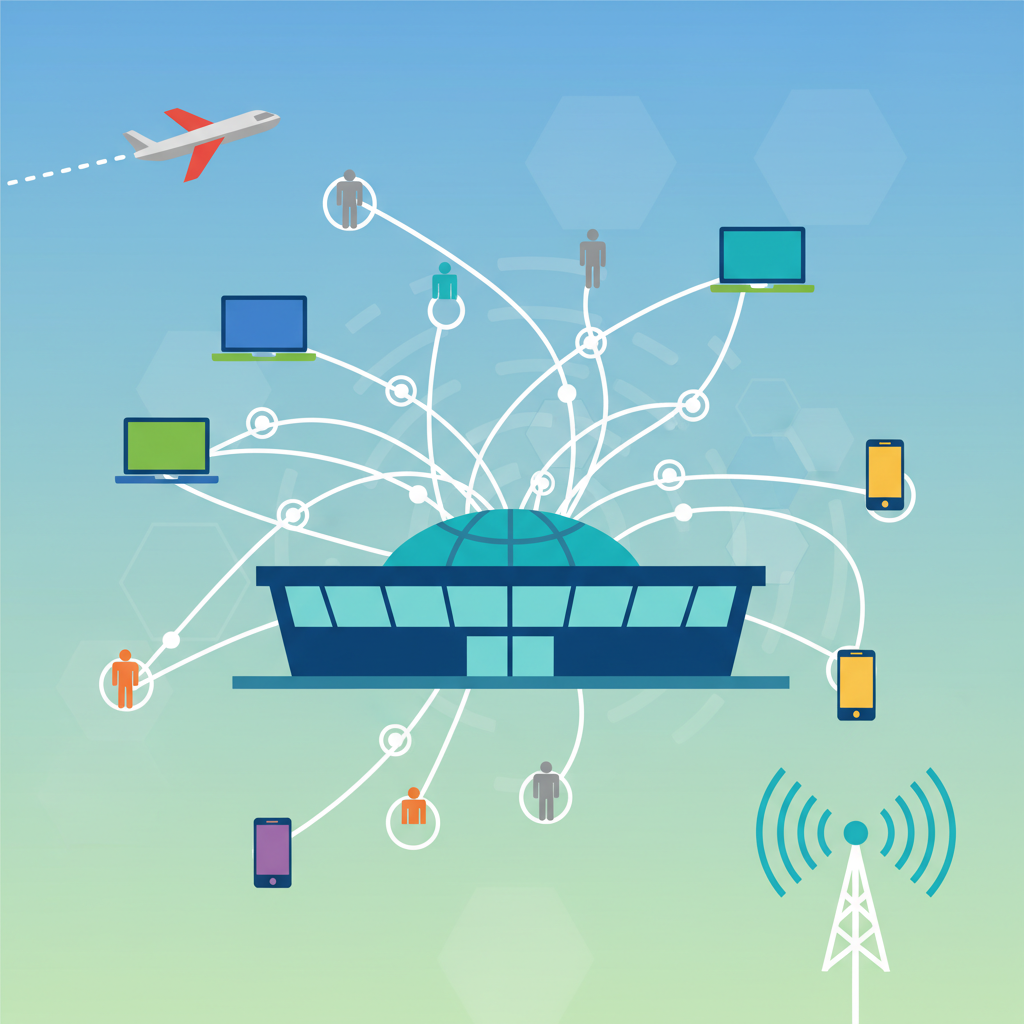
Discover why airport Wi-Fi is more than just routers. Learn how wireless infrastructure design keeps 10,000+ travelers connected in concrete-and-metal terminals.
Ever noticed how you can be stuck in a 4-hour layover at a major airport and still manage to stream a movie, join a video call, or doom-scroll Instagram without a single buffering icon? That's not magic. It's the invisible network—the carefully planned wireless infrastructure that keeps modern airports connected.
Airports are basically small cities. They're loud, crowded, and full of concrete and metal, which are notorious for killing Wi-Fi signals. Yet, somehow, you expect to walk from baggage claim to gate B17 without losing your connection. How do they pull that off?
### Why Wireless Design Isn't Optional
Think of airport Wi-Fi like plumbing. You don't see the pipes, but when they're poorly designed, you feel it immediately. Bad wireless design means dropped calls, slow loading times, and frustrated travelers. In 2026, that's just not acceptable.
The real challenge? Airports are massive. Terminal buildings can stretch over a mile long, with ceilings that are 50 feet high in some areas. And those walls? They're often made of reinforced concrete or metal, which block signals like a lead blanket. A single access point (AP) can't cover an entire concourse. You need a carefully planned mesh of APs, each positioned to overlap just enough to hand off your connection seamlessly as you walk.
### The Hidden Complexity
Designing a wireless network for an airport isn't like setting up a router in your living room. Engineers have to account for:
- **Interference from other devices**: Hundreds of Bluetooth headphones, gate information screens, and even the airport's own radar systems can mess with signals.
- **High density**: Think about 10,000 people in a single terminal, all trying to stream video or send photos. Each AP can handle maybe 100-200 devices before it starts choking.
- **Physical obstacles**: Escalators, elevators, and even moving walkways create shadows where signals get blocked.
It's a lot like planning a party in a concrete bunker. You need to know exactly where the guests will stand and how many will be there.
### The Magic of Handoffs
One of the coolest tricks in wireless design is the "handoff." When you walk from one end of the terminal to the other, your phone has to switch from one AP to the next without you noticing. If the handoff is clunky, your call drops or your video freezes. Good design makes this transition feel invisible.
Engineers also use something called "directional antennas" in places like gate areas. Instead of blasting signal in every direction (which causes interference), they point the signal exactly where people sit. It's like using a spotlight instead of a floodlight.
### What's Changing in 2026
Wi-Fi 7 is finally becoming standard in airports. It's faster and handles more devices at once. But hardware is only half the story. The real innovation is in software—AI-driven systems that monitor traffic patterns and adjust power levels in real time. If a thousand people land from an international flight, the network can automatically boost capacity in that area.
Security is also getting smarter. Airports now use "zero-trust" models, meaning every device is verified before it gets access. That's a big deal when you consider how many strangers connect to airport Wi-Fi every day.
### The Bottom Line
Next time you're zipping through a YouTube video during a layover, take a second to appreciate the invisible network. It's not just a bunch of routers. It's a carefully designed system that makes modern air travel bearable.
And if your connection stutters? Well, maybe the airport needs a better engineer. Or maybe you're just standing near a 50-foot concrete pillar. Either way, it's not your problem—until it is.