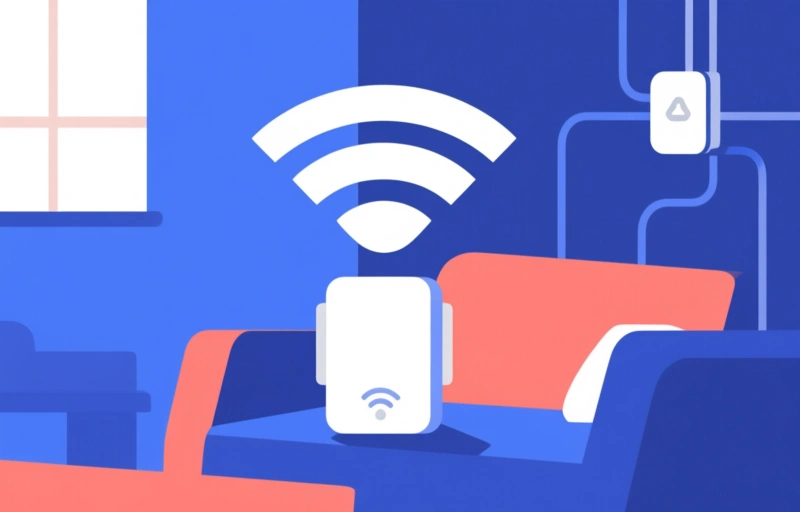
Discover the top Wi-Fi mesh systems for 2026, from budget-friendly to premium. Learn about features, setup tips, and common mistakes to avoid for a seamless home network.
If you're hunting for the best wireless LAN solutions in 2026, you've probably realized that a single router just doesn't cut it anymore. We've all been there—streaming a movie in the living room while someone's on a Zoom call in the home office, and suddenly everything buffers. That's where Wi-Fi mesh systems come in. They're like having a team of routers that talk to each other, blanketing your entire home in fast, reliable signal. Let's dive into what's hot this year and how to pick the right one for your setup.
### Why Upgrade to Mesh in 2026?
Think of a mesh network as a security blanket for your internet. Instead of one central router shouting signal to every corner, you get multiple nodes that work together. This means no more dead zones in the basement or garage. Plus, with more devices than ever—smart TVs, thermostats, doorbells, and gaming consoles—mesh systems handle the load gracefully. In 2026, the latest models support Wi-Fi 7, which promises speeds up to 5 Gbps, but don't worry if you're on Wi-Fi 6; most are backward compatible.
### Top Features to Look For
When shopping for a mesh system, keep these in mind:
- **Coverage area**: Measure your home in square feet. A three-pack usually covers up to 6,000 square feet, but bigger homes might need more nodes.
- **Speed rating**: Look for AX (Wi-Fi 6) or BE (Wi-Fi 7) models. For most families, AX5400 or higher is plenty.
- **Ease of setup**: The best systems have a simple app that walks you through everything in under 10 minutes.
- **Parental controls**: Essential if you have kids. Many systems let you pause the internet for certain devices or set time limits.
### Our Top Picks for 2026
Here are some standout wireless LAN solutions that have been getting rave reviews:
- **Netgear Orbi 970 Series**: This is the powerhouse of the bunch. It uses Wi-Fi 7 and can cover up to 9,000 square feet with a three-pack. The price tag is steep—around $1,500—but if you have a huge home and tons of devices, it's worth it.
- **TP-Link Deco XE75**: A solid mid-range option with Wi-Fi 6E. It covers about 5,500 square feet and costs around $300 for a three-pack. Great for streaming and gaming without breaking the bank.
- **Amazon Eero Pro 6E**: Simple and reliable. It integrates well with smart home devices and offers a subscription for advanced security. The three-pack covers 6,000 square feet and runs about $400.
- **Asus ZenWiFi XT9**: Known for its robust parental controls and gaming features. It covers 5,500 square feet and costs around $350. The app is intuitive, and you can prioritize devices for lag-free gaming.
### How to Set Up Your Mesh System
Setting up a mesh network is easier than you think. Here's a quick guide:
1. **Connect the main node** to your modem using an Ethernet cable.
2. **Download the app** for your system and follow the on-screen instructions.
3. **Place the satellite nodes** around your home. Keep them within 30 to 50 feet of each other for best performance.
4. **Test the signal** in every room. Most apps have a signal strength indicator.
One tip: avoid placing nodes near metal objects or fish tanks, as they can interfere with the signal. Also, keep them away from microwaves and cordless phones.
### Common Mistakes to Avoid
Even with a great system, you can run into issues. Here are pitfalls to dodge:
- **Putting nodes too far apart**: They need to be close enough to talk to each other. If you see a weak connection, move them closer.
- **Not updating firmware**: Manufacturers release updates that fix bugs and improve performance. Check the app monthly.
- **Ignoring placement**: A node on the floor or behind a TV won't work well. Elevate them on a shelf or table.
### Final Thoughts
Investing in a Wi-Fi mesh system is one of the smartest moves you can make for your home network. In 2026, the options are better than ever, with faster speeds, easier setup, and smarter features. Whether you go with a premium model like the Netgear Orbi or a budget-friendly TP-Link Deco, you'll notice the difference. No more buffering, no more dead zones—just seamless connectivity from the front door to the backyard.
Remember, the best wireless LAN solution for you depends on your home size, number of devices, and budget. Take your time, read reviews, and don't be afraid to ask for help from the manufacturer's support team. Happy surfing!