How a Mesh Network Eliminated My Wi-Fi Dead Zones for Good
Sarah Mitchell ·
Listen to this article~4 min
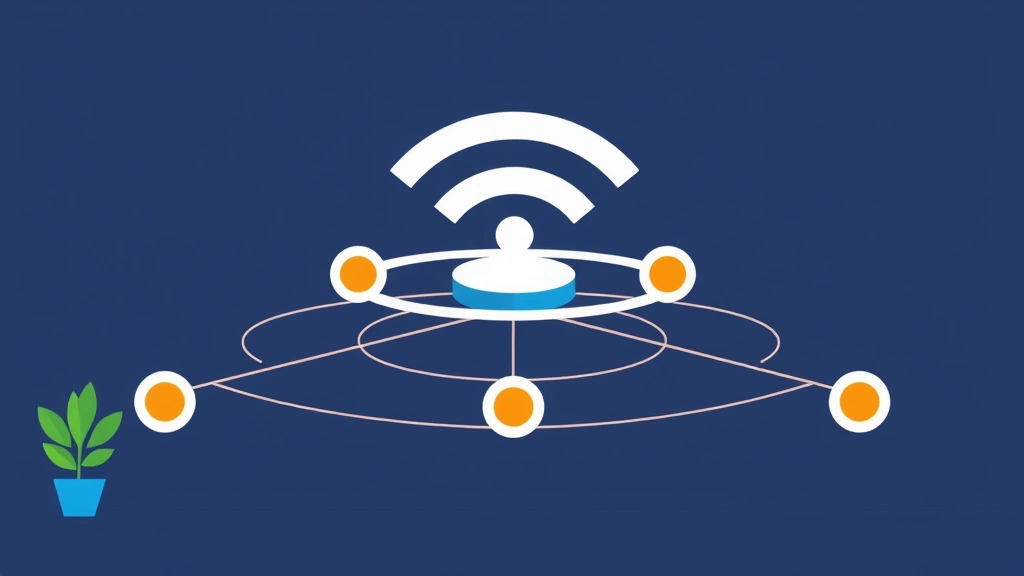
Tired of Wi-Fi dead zones? Discover how switching to a mesh network system provided seamless, whole-home coverage and finally eliminated frustrating connection drops for good.
Let's be honest, we've all had that moment. You're trying to stream a show in the bedroom, and the video buffers endlessly. Or you're on an important video call in the home office, and your connection drops. Those frustrating Wi-Fi dead zones feel like a personal insult from your own home network.
I lived with them for years. I tried moving the router, buying extenders, and even pleading with the Wi-Fi gods. Nothing worked permanently. The signal would improve briefly, then fade back into oblivion. It was a constant battle.
Then I switched to a mesh network system. Honestly, it felt like a revelation. The difference wasn't just incremental; it was transformative. Suddenly, every corner of my house had a strong, reliable signal. No more dead zones. No more dropped calls. Just seamless connectivity.
### What Exactly Is a Mesh Network?
Think of your traditional single router as a lone singer in a large hall. Some people up front hear it clearly, but those in the back get a weak, garbled version. A Wi-Fi extender is like adding a second singer who just repeats what the first one says—it helps, but the quality often degrades.
A mesh network is different. It's like having a coordinated choir spread throughout the hall. Each node (or speaker) communicates intelligently with the others, creating a unified, strong blanket of coverage. They work together as one seamless system, not as separate, competing signals.

### The Real-World Benefits I Noticed
Making the switch wasn't just about getting bars on my phone. The practical benefits were immediate and noticeable.
- **Whole-Home Coverage:** The most obvious win. My backyard, the basement laundry room, the attic—all now have solid Wi-Fi. The network hands off my devices between nodes automatically as I move around.
- **Consistent Speeds:** With extenders, I often got a strong signal but painfully slow speeds. The mesh system maintains high bandwidth everywhere. Working from home is no longer a game of "find the hot spot."
- **Simpler Management:** One network name (SSID) for the whole house. My devices connect once and that's it. I manage everything through a single, intuitive app on my phone, which is far easier than logging into multiple old router admin panels.
It's not magic, it's just smarter technology. As one network engineer friend told me, "Mesh treats your home like the single environment it is, instead of a series of separate radio challenges."
### Is a Mesh System Right for You?
If you live in a small apartment with your router centrally located, you might not need one. A good traditional router could suffice. But if you have a multi-story home, thick walls, or just a layout that seems to eat Wi-Fi signals, it's a game-changer.
It's an investment, for sure. But when you calculate the frustration of dropped connections, the time wasted troubleshooting, and the inability to use your home freely, the value becomes clear. For me, it was worth every penny. I finally stopped thinking about my Wi-Fi and just started using it—which is how it should be.
The setup was surprisingly simple. Most systems guide you through it with a phone app. You place the main node by your modem, then strategically place the others around your home—usually just plugging them into outlets. The system does the rest, optimizing the connections between nodes.
So, if you're tired of playing hide-and-seek with your internet connection, consider a mesh network. It might just be the solution that finally brings peace to your digital home. No more dead zones means no more compromises on where you work, play, or stream.