Microwave vs. Wi-Fi: The Silent Signal War & How to Win
Sarah Mitchell ·
Listen to this article~4 min
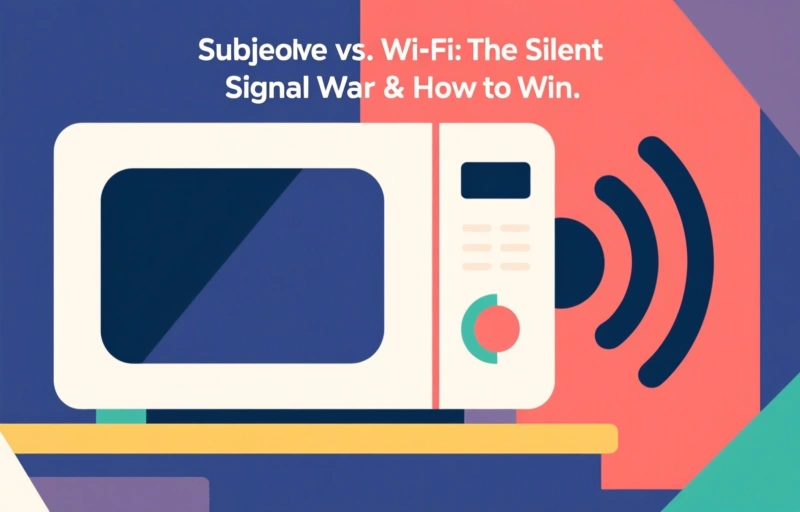
Your microwave and Wi-Fi fight over the 2.4 GHz band, causing dropped signals. Learn the technical reasons and get pro tips to minimize interference and maintain a robust wireless network.
Ever notice your video call freezing right when you heat up lunch? It's not a coincidence. Your microwave oven and your Wi-Fi router are locked in a quiet, invisible battle over the airwaves in your home or office. And if you're a wireless networking professional, understanding this conflict is key to designing robust networks.
Let's break it down simply. Both your Wi-Fi and many microwave ovens operate in the 2.4 GHz frequency band. Think of it like a narrow, crowded highway. Your Wi-Fi data is trying to cruise along smoothly, but when the microwave kicks on, it's like a massive, noisy truck merging onto the lane without any signals. It creates radio frequency interference that can drown out your wireless signal.
### Why Microwaves Are Such Bullies
It comes down to physics and a little bit of history. The 2.4 GHz band is an unlicensed spectrum, meaning lots of devices can use it—baby monitors, cordless phones, Bluetooth gadgets, and yes, microwave ovens. Microwaves work by agitating water molecules with radio waves. To contain that energy, they're shielded, but they're not perfect. A tiny amount of that powerful radiation leaks out, and it's enough to cause chaos on the nearby Wi-Fi channels.
So, what does this look like in practice? You'll experience sudden, severe drops in speed, increased latency (that annoying lag), and sometimes a complete disconnection. It's a classic case of co-channel interference, and for network admins, it's a real headache when troubleshooting.
### Practical Fixes for Professionals
You can't stop using your microwave, and rewiring for Ethernet everywhere isn't always feasible. But you can implement smart strategies to minimize the impact. H
ere are some actionable steps:
- **Switch to the 5 GHz band.** This is your best defense. Modern dual-band routers broadcast on both 2.4 GHz and 5 GHz. The 5 GHz band is wider, has more channels, and is far less crowded by household appliances. Encourage clients to connect compatible devices to the 5 GHz network.
- **Increase physical separation.** This sounds obvious, but it works. Don't place your wireless access point (AP) on the kitchen counter next to the microwave. A few meters of distance can make a dramatic difference in signal quality.
- **Choose your 2.4 GHz channel wisely.** Use a Wi-Fi analyzer tool to see which channels are the cleanest in your environment. In the 2.4 GHz band, channels 1, 6, and 11 are non-overlapping. Pick the one with the least traffic from other networks and devices.
- **Consider upgrading older equipment.** An old, poorly shielded microwave might leak more RF noise. Newer routers also often have better filters and processors to handle interference more gracefully.
As one seasoned network engineer put it, 'The best network design accounts for the physical environment, not just the logical topology. You have to know what's in the walls and on the countertops.' It's a reminder that our wireless signals live in the real, messy world.
Ultimately, winning the silent war isn't about declaring victory over your appliances. It's about smart coexistence. By understanding the source of the interference and applying a few tactical fixes, you can ensure reliable connectivity for everyone, whether they're streaming a presentation or just reheating their coffee. It's all part of crafting a resilient wireless network that works seamlessly, no matter what's cooking.