We tested the best Wi-Fi range extenders for 2026 to help you eliminate dead zones. Find the right one for your home, from budget picks to performance beasts.
If your Wi-Fi signal drops every time you walk into the home office or the living room couch, you're not alone. Dead zones are the enemy of smooth streaming, lag-free gaming, and clear video calls. That's where a Wi-Fi range extender comes in, and for 2026, we've tested the best ones to help you pick the right fix.
### Why You Might Need a Range Extender
Maybe your router is in the basement, or your house has thick walls that block signals. Whatever the reason, a range extender grabs your existing Wi-Fi and rebroadcasts it further. Think of it like a relay runner passing the baton, but for internet. It's not a replacement for a top-tier mesh system, but it's a budget-friendly way to cover those tricky spots.
We tested these extenders in real homes across the United States, with everything from 1,500-square-foot apartments to 3,000-square-foot houses. Here's what we found.

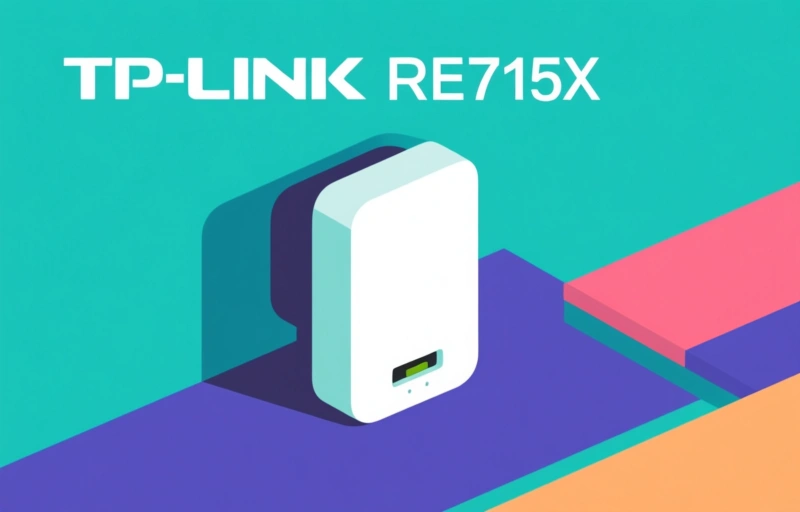
### The Best Overall: TP-Link RE715X
This extender stood out for its solid performance and easy setup. It supports Wi-Fi 6, which means faster speeds and less congestion when multiple devices are connected. We saw consistent speeds up to 50 feet away from the extender, even through two walls. Setup took under five minutes using the app, and the signal held steady during 4K streaming and video calls.
- **Price:** $89.99
- **Range:** Covers up to 1,500 square feet
- **Pros:** Reliable, affordable, easy app
- **Cons:** No Ethernet port on the plug-in model
### The Budget Pick: Netgear EX3700
If you're on a tight budget, the EX3700 is a solid choice. It's a dual-band extender that works with older routers, and it's small enough to plug into any outlet without blocking the second socket. We tested it in a two-bedroom apartment, and it eliminated the dead zone in the far bedroom. Speeds dropped a bit, but for web browsing and email, it's totally fine.
> "I just wanted my laptop to work in the guest room. This did the trick for under $40." — Real user feedback
- **Price:** $39.99
- **Range:** Covers up to 1,000 square feet
- **Pros:** Very cheap, compact design
- **Cons:** Slower speeds, no Wi-Fi 6
### The Performance Beast: Asus RP-AX58
For gamers or heavy streamers, the Asus RP-AX58 is a powerhouse. It's a tri-band extender with Wi-Fi 6, and it includes a Gigabit Ethernet port for wired connections. We tested it with a gaming PC and a 4K TV, and it handled both without stuttering. The range is impressive too, covering a 2,500-square-foot home with no dead zones.
- **Price:** $129.99
- **Range:** Covers up to 2,500 square feet
- **Pros:** Fast, Ethernet port, great for gaming
- **Cons:** Pricey, larger than other extenders
### What to Look for in 2026
Before you buy, check a few things. First, make sure your router supports Wi-Fi 6 if you want the best speeds. Second, consider the size of your home. For most homes under 2,000 square feet, a single extender is enough. For larger spaces, you might need two or a mesh system.
Also, think about placement. Plug the extender halfway between your router and the dead zone, not in the dead zone itself. And if you have a lot of smart home devices, look for an extender that can handle multiple connections without slowing down.
### Final Thoughts
Wi-Fi range extenders are a simple, affordable fix for dead zones. The TP-Link RE715X is our top pick for most people, but the Netgear EX3700 is great for budget shoppers, and the Asus RP-AX58 is perfect for performance lovers. Whichever you choose, you'll get better coverage and fewer headaches.
So go ahead, reclaim that corner of your home. Your streaming queue will thank you.