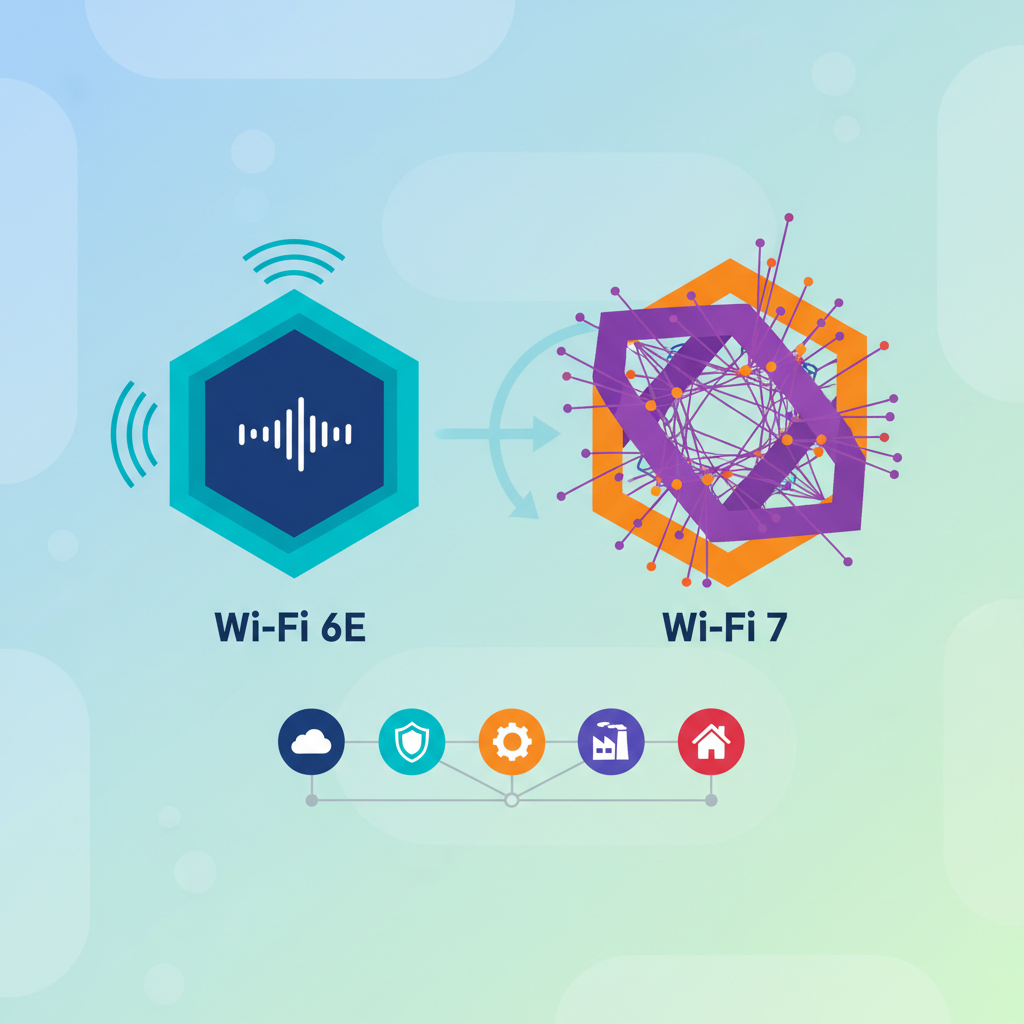
Wi-Fi 6E and Wi-Fi 7 offer more than just speed—they bring lower latency, better capacity, and improved security. Discover why these wireless LAN solutions are essential for professionals in the US.
When most people think about upgrading their home network, speed is usually the first thing that comes to mind. We all want faster downloads, smoother streaming, and zero buffering. But here's the thing: the latest wireless standards, Wi-Fi 6E and Wi-Fi 7, bring way more to the table than just raw speed. They're reshaping how we connect, work, and play. And for professionals across the United States who rely on rock-solid wireless LAN solutions, these new technologies are a game changer.
Let's be honest, the days of a simple router in the corner handling a handful of devices are long gone. Now we have smart fridges, security cameras, gaming consoles, and a dozen laptops all competing for bandwidth. Wi-Fi 6E and Wi-Fi 7 were built for this chaos. They're not just faster; they're smarter, more reliable, and built to handle the modern connected home or office.
### What Makes Wi-Fi 6E Different?
Wi-Fi 6E is basically Wi-Fi 6 on steroids. The big difference is the addition of the 6 GHz band. Think of it like adding a brand new highway lane to your network. The 2.4 GHz and 5 GHz bands are often crowded with older devices, causing interference and slowdowns. The 6 GHz band is wide open and exclusively for Wi-Fi 6E devices. That means less congestion and more consistent performance.
For a professional working from home in the US, this is huge. Imagine a video conference with crystal clear audio and no dropped packets. Or transferring a large design file in seconds instead of minutes. Wi-Fi 6E makes that possible by reducing latency and increasing capacity. It's like having a dedicated express lane for your most important traffic.
### Wi-Fi 7: The Future Is Almost Here
Wi-Fi 7, also known as 802.11be, is the next big leap. It builds on everything Wi-Fi 6E started and pushes it even further. We're talking about speeds that can exceed 30 Gbps, but again, speed isn't the whole story. Wi-Fi 7 introduces features like multi-link operation (MLO), which allows devices to send and receive data across different bands simultaneously.
Here's a simple way to picture it: With Wi-Fi 6E, your device might use the 6 GHz band for a video call and the 5 GHz band for a file download, but not at the same time. With Wi-Fi 7's MLO, your device can use both bands at once, dramatically improving reliability and reducing lag. For gamers, this means no more stuttering in the middle of a match. For businesses, it means seamless connectivity for critical applications.
### Why Professionals Should Care
If you're a professional in the United States relying on wireless LAN solutions, here's why these standards matter:
- **Lower Latency:** Wi-Fi 6E and Wi-Fi 7 cut latency way down. That's crucial for real-time applications like virtual reality, remote surgery, or even just a smooth Zoom call.
- **Better Capacity:** These standards can handle dozens of devices without breaking a sweat. Your whole family or office can be online without anyone complaining about slow speeds.
- **Improved Security:** WPA3 is mandatory for Wi-Fi 6E devices, offering stronger encryption and better protection against cyber threats.
- **Future-Proofing:** Investing in Wi-Fi 6E or Wi-Fi 7 gear now means your network will be ready for whatever comes next.
### What About the Cost?
Let's talk money. A decent Wi-Fi 6E router will set you back around $200 to $400. Wi-Fi 7 routers are just hitting the market and can cost $600 or more. But if you're a professional who depends on a stable connection, the investment is worth it. Think about how much time you waste dealing with lag or dropped connections. That time adds up fast.
For small businesses, upgrading your wireless LAN can actually save you money in the long run. Fewer tech support calls, less downtime, and happier employees. And with the right setup, you can cover a whole office building without dead zones.
### A Quick Reality Check
Not every device supports Wi-Fi 6E or Wi-Fi 7 yet. Most newer smartphones and laptops do, but older gadgets will still use the 2.4 GHz or 5 GHz bands. That's fine. These new routers are backward compatible, so your old devices will work just fine. The key is that your newest and most important devices get the best performance.
Also, keep in mind that your internet service plan matters. If you're paying for a 100 Mbps connection, a Wi-Fi 7 router won't magically give you gigabit speeds. But it will make your internal network faster and more efficient, which is especially important for transferring files between devices or streaming from a local server.
### Final Thoughts
Wi-Fi 6E and Wi-Fi 7 aren't just about speed. They're about creating a network that actually works the way you need it to. Less interference, lower latency, and the ability to handle a house full of smart devices. For professionals in the United States, upgrading to one of these standards is a smart move that pays off every single day.
So, if you're still rocking that router from five years ago, maybe it's time for an upgrade. Your future self will thank you when your video calls don't freeze and your downloads finish in seconds. And hey, you might even impress your neighbors with your blazing fast Wi-Fi.