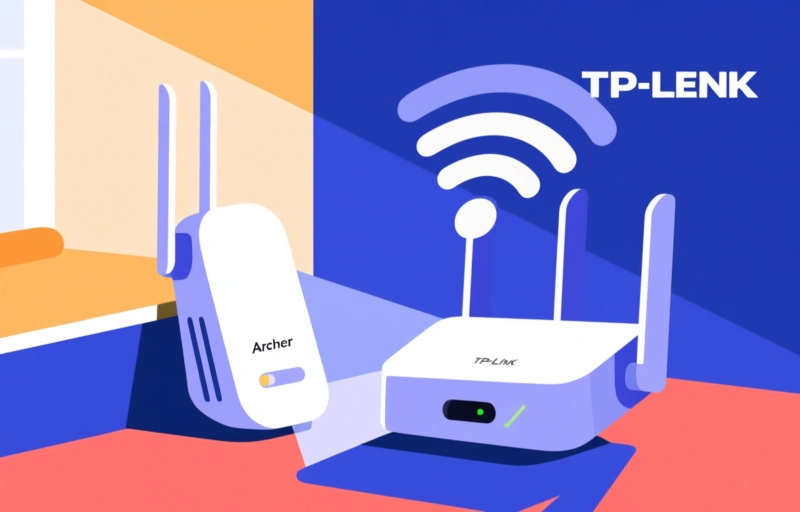
Wi-Fi 7 for Under $100: TP-Link Archer BE230 Review
Sarah Mitchell ·
Listen to this article~4 min
TP-Link's Archer BE230 brings Wi-Fi 7 to your home for under $100 on Amazon. Discover its features, performance, and whether it's worth the upgrade in this detailed review.
If you've been eyeing a Wi-Fi 7 upgrade but assumed it would cost a fortune, TP-Link's Archer BE230 just flipped that assumption on its head. This router brings next-gen wireless performance to your home for less than $100 on Amazon, making it one of the most affordable entry points into the Wi-Fi 7 era.
### What Makes Wi-Fi 7 Different?
Wi-Fi 7 (802.11be) isn't just a small step up from Wi-Fi 6 or 6E. It's a massive leap forward. Think of it like going from a two-lane highway to a twelve-lane superhighway. The technology uses wider 320 MHz channels, which means more data can travel at once. This translates to faster speeds, lower latency, and better handling of multiple devices streaming 4K video or gaming simultaneously.
For most households, the real benefit is smoother performance when everyone is online. No more buffering during your Zoom call because your kid is gaming in the next room.

### TP-Link Archer BE230: What You Get for Under $100
Here's what this budget-friendly router brings to the table:
- **Wi-Fi 7 speeds** up to 5.4 Gbps (theoretical max, but real-world speeds are still impressive)
- **Dual-band support** (2.4 GHz and 5 GHz) to keep older devices connected
- **Four gigabit Ethernet ports** for wired connections to your PC, console, or smart TV
- **Easy setup** through the TP-Link Tether app
At this price point, you're not getting the absolute fastest Wi-Fi 7 router on the market, but you are getting a reliable upgrade that future-proofs your network without breaking the bank.
### Is It Worth the Upgrade?
If you're still running a Wi-Fi 5 or early Wi-Fi 6 router, the answer is a clear yes. You'll notice faster downloads, smoother streaming, and less lag during video calls. Even if you don't have Wi-Fi 7 devices yet, the router is backward compatible with everything you own.
> "The Archer BE230 is like getting a sports car for the price of a used sedan. It won't win every race, but it'll get you where you need to go faster than your old ride."
### Installation and Setup
Setting up the Archer BE230 takes about 10 minutes. Plug it in, download the app, and follow the on-screen prompts. The router automatically detects your internet connection type, so you don't need to be a tech wizard to get online.
One thing to keep in mind: the router's range is decent for a single-story home up to 1,500 square feet. If you have a larger house or thick walls, you might want to pair it with a mesh system or a range extender.
### Final Verdict
TP-Link has done something remarkable here. They've made Wi-Fi 7 accessible to everyday users who don't want to spend $300 or more on a router. The Archer BE230 isn't perfect—it lacks a USB port and doesn't support the 6 GHz band—but for under $100, it's a fantastic value.
If you're ready to upgrade your home network without emptying your wallet, this is the router to buy.