Wi-Fi vs. Weather Fax: The Last Internet-Free Connection
Sarah Mitchell ·
Listen to this article~4 min
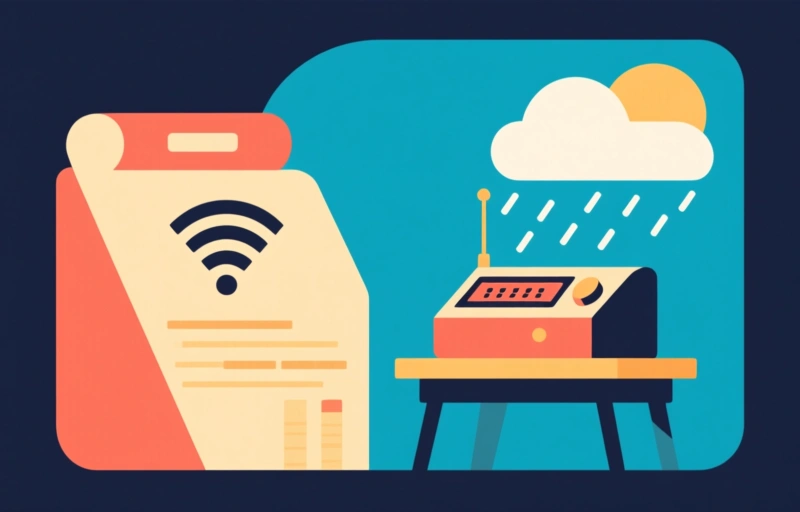
Discover how weather fax, a 1920s radio technology, still provides critical weather data when the internet fails. Learn how to set up your own system for under $200.
You probably take the internet for granted. I know I do. But what happens when a storm knocks out your Wi-Fi, or you're miles from the nearest cell tower? It turns out there's a technology that's been around for decades that still works when all else fails. And it's not what you'd expect.
### The Surprising Survivor: Weather Fax
Weather fax, or HF fax, is a system that sends weather charts and data over radio waves. It's been used by ships and pilots since the 1920s. But here's the thing: it doesn't need the internet. At all. You just need a shortwave radio receiver and a way to decode the signal. That could be a dedicated device or even a laptop with free software.
This is a big deal for professionals in the United States who rely on reliable data. Think about emergency responders, marine operators, or even farmers in remote areas. When your fiber optic cable is cut or your satellite link goes down, weather fax can still deliver critical information. It's like having a backup that never sleeps.
### Why It Still Matters in 2026
You might think this is ancient history. But weather fax is still widely used by the National Weather Service and maritime agencies. In fact, it's often the only way to get updated weather maps in the middle of the ocean. The signal travels thousands of miles using high-frequency radio waves. No satellites. No cables. Just pure physics.
- **Reliability**: Radio waves don't care about power outages or server crashes.
- **Cost**: A basic setup costs under $200. No monthly fees.
- **Simplicity**: Once you have the gear, it's just listen and decode.
### How to Set Up Your Own Weather Fax Station
Getting started is easier than you think. You don't need a degree in engineering. Here's what you'll need:
1. **A shortwave radio**: Any decent receiver that covers the HF bands (3-30 MHz) will work. Used ones can be found for $50-$100.
2. **An antenna**: A simple long wire antenna, about 50 feet long, will do the job. You can string it up in your backyard or attic.
3. **Software**: Free programs like Fldigi or SeaTTY can decode the signals on your laptop.
4. **A computer**: Any old laptop with a sound card will work. Just connect the radio's audio output to the computer's microphone input.
Once you have everything connected, tune to one of the common weather fax frequencies (like 4.217 MHz or 9.107 MHz). Within minutes, you'll see weather charts scrolling across your screen. It's like watching a slow-motion fax machine from the 1990s, but without the need for a phone line.
### When the Internet Goes Dark
We've all been there. A big storm hits, and suddenly you're staring at a "No Internet" message. For most people, that's an inconvenience. For professionals, it can be a crisis. Weather fax fills that gap. It's not fast, but it's reliable. You get updated maps every few hours. That's enough to make informed decisions.
"The internet is a luxury; weather fax is a lifeline." That's what one marine radio operator told me. And he's right. When you're out at sea or in a remote part of the country, you can't afford to be disconnected.
### The Bottom Line
Weather fax isn't going to replace your home Wi-Fi. But it's a powerful tool to have in your back pocket. For less than $200, you can build a system that works when everything else fails. And in a world that's increasingly dependent on the internet, that's a kind of freedom worth having.
So next time you see a storm rolling in, remember: there's a way to get the data you need without a single packet of data crossing the web. It's old school. But it works.